
Skip to content
Core365 Cloud Blog

Core365 Cloud Blog

“PowerShell, Active Directory & IT Automation Simplified”

Sign In
  • Home
  • About Me
  • Join the Facebook group
  • Core365
    • Core365 Cloud Store
  • GitHub
    • AD-Password-Expiry-Reminder
    • GPO-Backup-Automation
    • Enterprise-AD-HealthCheck
    • GPO-Change-Audit
    • AD-Admin-Unlock-Tool
  • Core365 Cloud – Secure Password Generator
  • Newsletter

Tag: Windows Administration

  • Home
  • Windows Administration
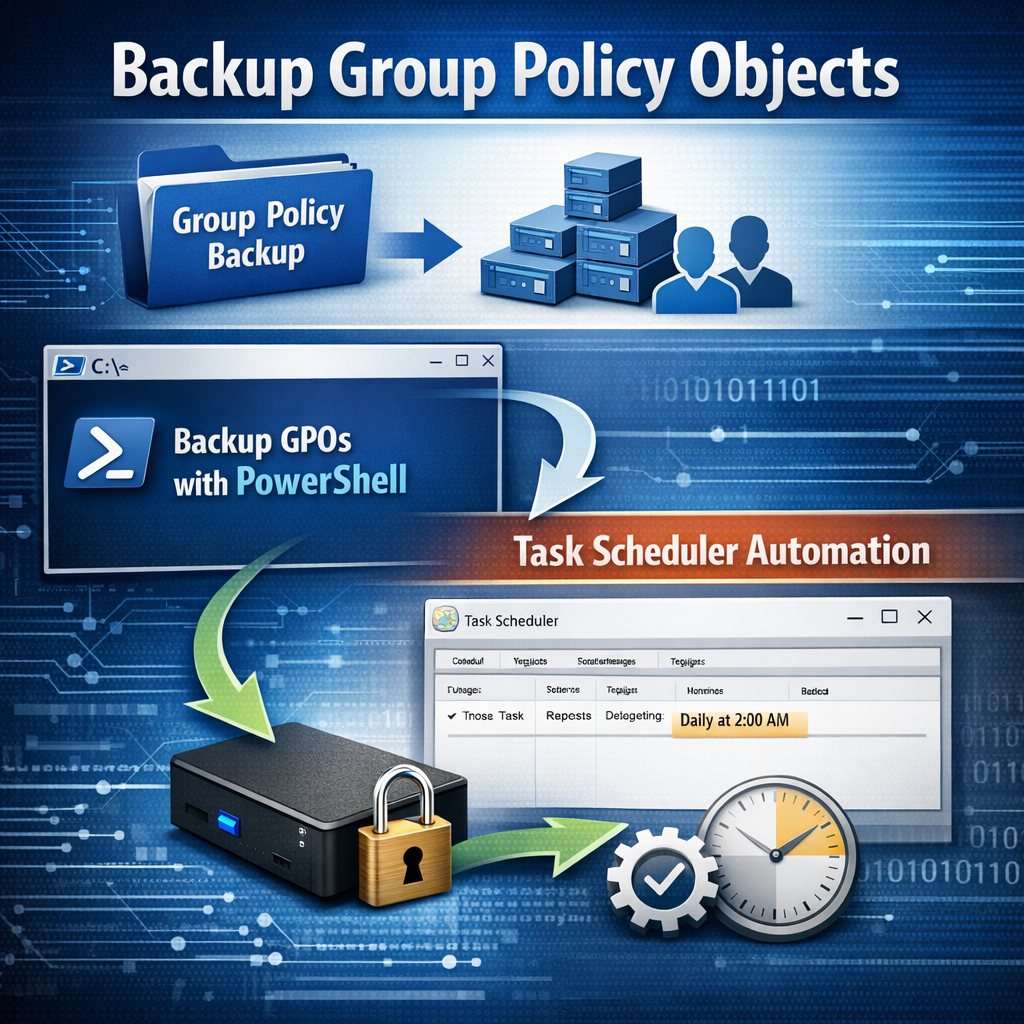
Automating Group Policy Object Backups with PowerShell and Task Scheduler (Part 1)
Active DirectoryMicrosoftPowerShellWindows Server

Automating Group Policy Object Backups with PowerShell and Task Scheduler (Part 1)

by antoniorennvickMay 4, 2026May 6, 2026

Group Policy Objects (GPOs) are a core component of Active Directory environments. They control security settings, user configurations, software deployment, and many other critical aspects of Windows infrastructure. Despite their importance, GPOs are often overlooked…
Live traffic
834,345Total visits
Today94
7 days47,384
30 days67,988
Powered by core365.cloud

👆 Get this plugin here.

Subscribe to our newsletter!

Recent Posts

  • Stop Repeated Active Directory Lockouts: Find the Caller Computer (Event ID 4740) with a PowerShell HTML + Email Report
  • Azure AD / Microsoft Entra Conditional Access “Bypass” via Phantom Device Registration & PRT Abuse — A Deep Technical Breakdown
  • ConsentFix v3 and OAuth Consent Abuse in Microsoft Entra ID: Deep‑Dive Detection & Hardening for Microsoft 365
  • Active Directory Health Check with PowerShell – Full Forest Report & Interactive HTML Dashboard
  • Sample GPO Monthly Change Audit Report (HTML Output)

Categories

UncategorizedActive DirectoryTroubleshootingMicrosoftWindows 8Windows 11 TipsSecurityWindows ServerMicrosoft EntraWindows 10CybersecurityPowerShellWindowsWindows 11Windows ServerWIndows 7Identity & Access ManagementWindows 8.1Microsoft 365MobileSocial NetworkTechnicalCloud SecurityPKI & Certificates

Tags

Zero TrustMicrosoft EntraConditional AccessActive DirectoryPowerShellNTPmicrosoftMicrosoft Entra IDMicrosoft Graphmicrosoft exchangeCertificate-Based AuthenticationIntuneIT AutomationDCDiagWindows AdministrationAD ReplicationDomain Controller HealthGroup Policy HealthSYSVOLWindows Server 2019DNS for Active DirectoryWindows Server 2022Active Directory Health CheckRepadmin

👆 Get this plugin here

Recent Comments

  1. Thomas on Stop Repeated Active Directory Lockouts: Find the Caller Computer (Event ID 4740) with a PowerShell HTML + Email Report
  2. How to protect your RDP session with a SSL certificate. – Antonio's Blog on How to purchase a SSL certificate
  3. Eimear Serious on Translate a document or a web site from one language to another language………………
  4. Celena Radick on Counter-Strike: Global Offensive
  5. nataliewhitegame on Counter Strike With Hamachi

Archives

Subscribe to our newsletter!

© 2026 Core365 Cloud. All rights reserved.