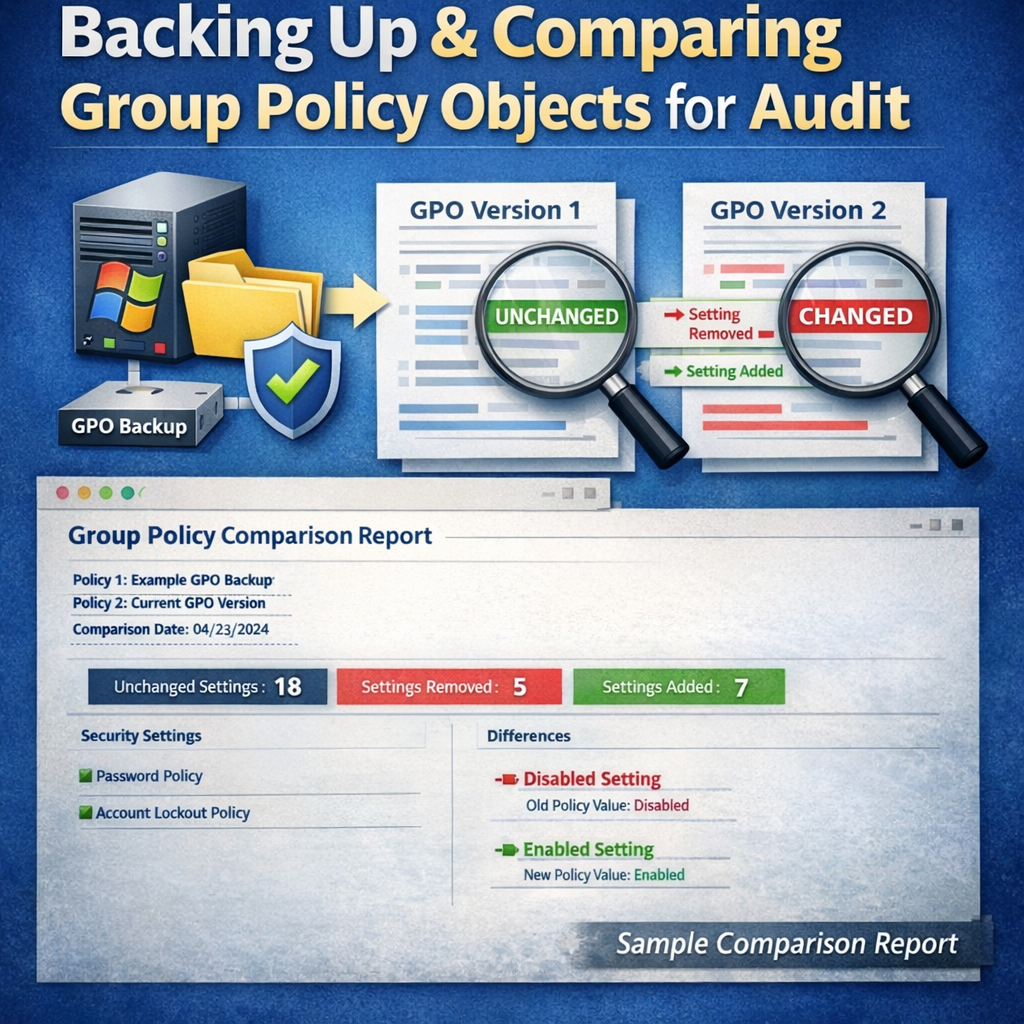
This page contains a sample HTML output generated by an automated Group Policy Object (GPO) change comparison process.
The report demonstrates how two scheduled GPO backup snapshots can be compared to clearly identify:
- Newly added GPOs
- Removed GPOs
- Modified GPOs, with detailed setting‑level differences
This type of report is especially valuable during security audits, compliance reviews, and internal change management, where administrators are required to prove what changed, when it changed, and how it changed over a defined period.
For IT administrators managing large Active Directory environments, this approach provides:
- Clear visibility into GPO changes
- Reduced reliance on manual checks or screenshots
- Consistent, repeatable audit evidence
GPO Monthly Change Report (Sample)
Generated: 2026-03-25
Created by: Antonio Rennvick Annoson | core365.cloud
Script: Compare-GPO-MonthlyBackup.ps1 (v4)
Comparison rule: Latest backup on or before day 23 for each month
Compared backups: 2026-02-23 → 2026-03-23
Summary
Previous GPO count: 160
Current GPO count: 161
Changed: 1
Unchanged: 159
Added: 1
Removed: 0
Previous GPO count: 160
Current GPO count: 161
Changed: 1
Unchanged: 159
Added: 1
Removed: 0
Added GPOs 1
- Sample Local Printer Policy
Changed GPOs 1
Archived – WLAN Test Policy
Changed
ADDED   [WLAN Policy]         <q1:WLanSvcSetting>
ADDED   [WLAN Policy]         <WLanPolicies>
ADDED   [Other]               <name>Example Intranet Access</name>
ADDED   [Administrative Templates] <policyType>XP</policyType>
ADDED   [Other]               <enableAutoConfig>true</enableAutoConfig>
ADDED   [Preferences]         <allowEveryoneToCreateProfiles>true</allowEveryoneToCreateProfiles>
ADDED   [WLAN Policy]         </WLanPolicies>
REMOVED [WLAN Policy]         <q1:WLanSvcSetting />
Sample report generated using Compare-GPO-MonthlyBackup.ps1 (v4).
For demonstration and documentation purposes only.
Automating Group Policy Object Backups with PowerShell and Task Scheduler (Part 1) –
Generating GPO Change Audit Reports Using PowerShell (Part 2)